3 min read

Six Things AI Can Do in Your Process Right Now

Retro black-and-white illustration of a woman in a 1950s suit pointing with a stick at a whiteboard process flow of five boxes joined by arrows. A tall stack of papers piles up on the middle box, marking it as the bottleneck. A silver robot holding a wrench and toolbox stands beside her while two men in suits watch, one taking notes. The setting is a vintage office with filing cabinets and a wall clock.

Most of the AI conversation I hear in government and large companies is either far too abstract ("AI will transform everything") or far too narrow ("We are piloting a chatbot").

Neither way of thinking is very useful if you are the person trying to figure out where AI can actually improve your work and the service you bring to your clients.

Here are six categories of work that AI does well right now (even Copilot!), with one concrete public-sector example for each. If one of these describes the bottleneck in your processes, you have your answer to "where should we start."

Document Processing
  • summarize reports
  • extract data
  • classify documents
  • translate documents
  • process applications
  • review contracts
Information Management
  • search databases
  • retrieve files
  • match records
  • clean data
  • verify information
Communication & Service
  • answer inquiries
  • generate responses
  • provide guidance
  • triage cases
Analysis & Decision Support
  • analyze trends
  • detect patterns
  • flag anomalies
  • assess risk
  • score applications
  • prioritize cases
  • predict outcomes
Regulatory & Compliance
  • monitor compliance
  • audit records
  • detect fraud
  • screen applications
  • validate eligibility
  • check requirements
  • identify violations
Financial Operations
  • calculate benefits
  • reconcile accounts
  • generate invoices
  • assess taxes
  • allocate resources

A note on terminology: some of what gets called "AI" is really automation - rules-based scripts that could have been built without AI.

True AI involves pattern recognition, generation, or judgment under uncertainty. The highest-value applications often combine both: AI handles the judgment calls, and automation handles the repeatable execution.

1. Document Processing

The "killer app" for government. Summarizing reports, extracting data from documents, classifying incoming requests, translating between English and French, for example. If your team processes large volumes of program applications, grant submissions, or correspondence, this category pays for itself quickly. Example: a policy unit that used to spend 40 staff hours per quarter summarizing stakeholder submissions now does it in 6, using the other 34 hours to analyze important themes and draft high-quality recommendations.

2. Information Management

Searching across databases, retrieving files, matching records, cleaning messy data, verifying information against source. Example: a procurement office matches vendor submissions against historical data to flag inconsistencies - a task that used to happen after an award was already made, now happens before.

3. Communication and Service

Answering common inquiries, generating first drafts of routine responses, providing guidance to clients for simple transactions, triaging incoming cases - all to improve the Citizen Experience (CX). Example: a benefits unit uses an AI assistant to draft responses to common questions, with human officers reviewing and sending. Response time dropped from 5 days to same-day on roughly 60% of inquiries. Shouldn't they prevent many of these questions in the first place by making the client journey clearer and simpler? Yes, but until they have solved that larger systemic issue, drafting responses to these routine questions is a time-saving countermeasure.

4. Analysis and Decision Support

Trend analysis, anomaly detection, risk assessment, application scoring, case prioritization. Example: a health program office uses AI to analyze regional incident data and flag patterns that human reviewers had been missing because they analyzed the data region-by-region rather than nationally.

5. Regulatory and Compliance

Monitoring compliance, auditing records, detecting potential fraud, screening applications, validating eligibility. Example: a grant program uses AI to screen applications against eligibility criteria before they reach human reviewers. Reviewers focus only on eligible applications. Turnaround time goes down. Appeal rate drops.

6. Financial Operations

Calculating benefits, reconciling accounts, generating invoices, assessing taxes, allocating resources. Example: an internal services branch reconciles departmental chargebacks with AI in a few hours rather than the three days it used to take - freeing the team to focus on the important exceptions and disputes.

Beware: I'm not saying AI is able to run any of these unattended. In every example, there needs to be a human in the loop doing validation, judgment, and exception handling. The point is that AI can do much of the repetitive, rules-based, pattern-matching work that consumes a lot of a team's time - freeing people to do the work that actually needs a human involved.

Which of these six categories describes best the bottleneck in your process? Don't pick the category that sounds the most exciting or technically sophisticated - choose the one that is actually holding up your throughput. That is where you start. (If more than one truly describes a bottleneck in your work, start with the one that is having the most negative impact on your clients).

If you don't know where your bottleneck is, AI will not be of much help. It's a problem that requires Lean analysis to solve.

7. AI Orchestration (an emerging seventh category)

One AI takes a request, decides what subtasks are needed, hands them off to another AI or automation routine, and then verifies the assembled output. An HR practitioner from the federal government that I work with has built a pipeline that does exactly this: 8 AI calls per job description to extract elements, translate them into standardized language, and identify similarity across hundreds of job descriptions. The end product helps the organization see whether it has the right amount of people in the right roles to deliver its mandate. That's orchestration. That's where AI in 2026-2027 is heading.

Key takeaways:

  • AI does six categories of work well in knowledge and admin environments.
  • Document Processing, Information Management, and Communication & Service are usually the easiest starting points.
  • Analysis & Decision Support, Regulatory & Compliance, and Financial Operations often deliver the biggest savings.
  • Every example still requires human judgment, validation, and exception handling.
  • Start with the category that describes your bottleneck work - not the one that sounds most impressive.
AI at the Bottleneck vs. AI Everywhere Else

AI at the Bottleneck vs. AI Everywhere Else

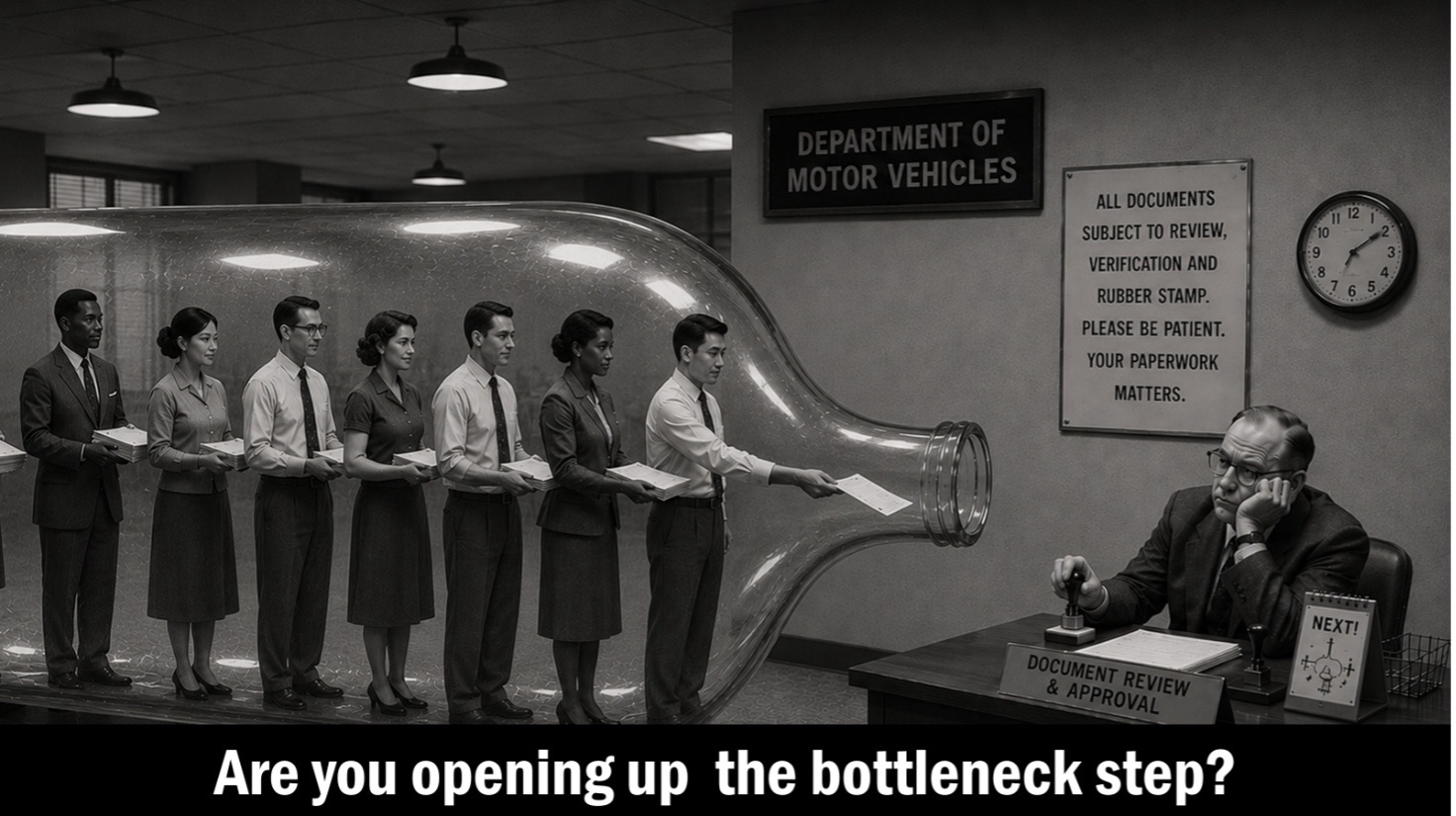
AI deployed on the wrong process step won't help your clients. Here's how to find the real bottleneck first, and why that matters more than the AI.

Read More
The Slide They All Photographed

The Slide They All Photographed

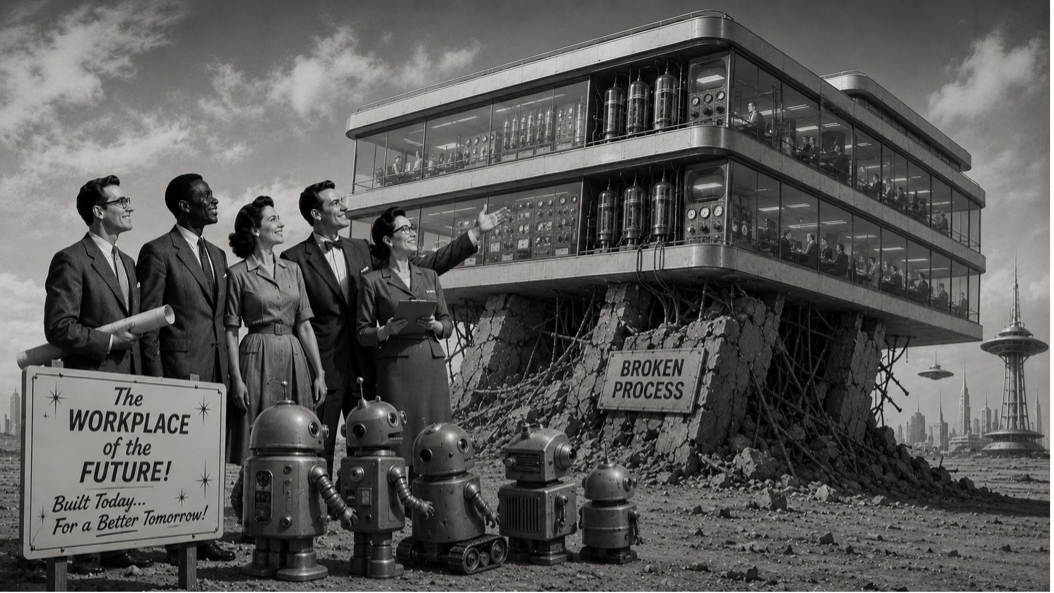
95% of enterprise AI pilots show no measurable savings. This 5-tier framework shows where AI actually adds value in a process, and where it doesn't.
Read More
To Succeed with AI, Modernize Your Lean Toolkit

To Succeed with AI, Modernize Your Lean Toolkit

HBR's five principles for AI success are just Lean principles relabeled. The foundation you need for AI is the same one you've needed all along.

Read More